About This Shortcut
This shortcut adds a hyperlink to the currently selected cell. When the shortcut is performed, Excel will display the Add Hyperlink dialog box shown below:
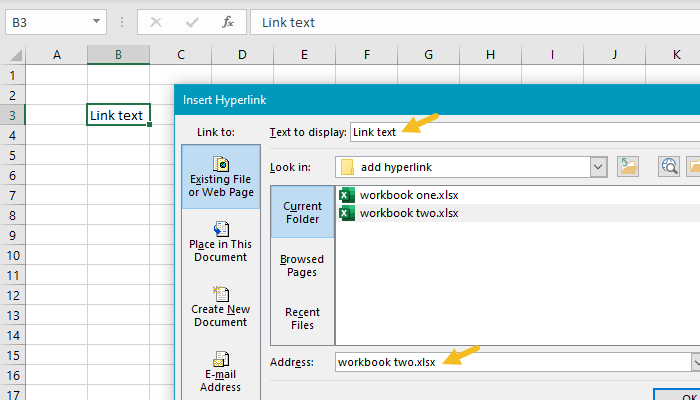
Note: the HYPERLINK function can be used to create a link with a formula.
About This Shortcut
This shortcut allows you to display various lists within Excel without using a mouse.
With Alt + down arrow, you can access lists in 3 different contexts:
(1) Access autocomplete items when doing repetitive data entry in a column – previously entered values in cells above will be displayed when autocomplete is enabled.
(2) Access filter drop-down menus when working in a filtered list or table – unique values that appear in a list or column will be displayed with a checkbox to allow filtering.
(3) Access data validation lists when input is restricted by data validation – when a list is used for data validation, the items in that list are displayed.
