Purpose
Return value
Syntax
=BIN2OCT(number,[places])
- number - The binary number you want to convert to octal.
- places - [optional] If omitted uses the least number of characters required to represent the number, otherwise pads the result with zeros up to the specified number of places.
Using the BIN2OCT function
- The input number must contain only zeros and ones and be less than 10 characters long, otherwise the function returns the #NUM! error value.
- The first bit of the binary number indicates whether the number is positive or negative. The other nine digits represent the size of the number, the max of which is 511 (2^9 - 1). A negative binary number is expected to use the two’s complement notation.
Purpose
Return value
Syntax
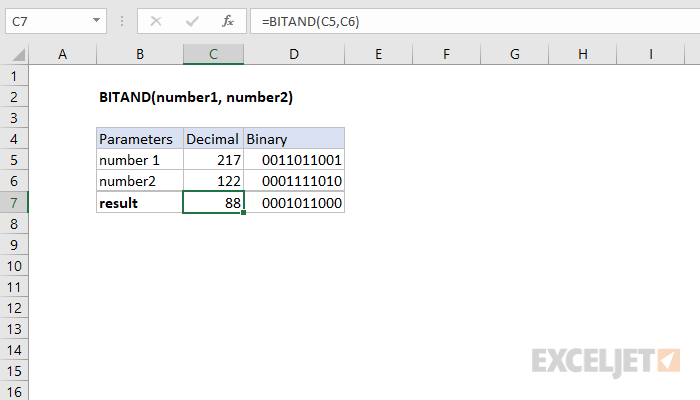
=BITAND(number1,number2)
- number1 - A positive decimal number.
- number2 - A positive decimal number.
Using the BITAND function
The input numbers must be greater than or equal to zero and no larger than 2^48 - 1.
How It Works
The function performs a logical AND operation on each corresponding bit in the binary representation of the two numbers.