About This Shortcut
This shortcut copies the value in the cell above to the selected cell and leaves the cell in edit mode. If the cell above is a formula, only the value is copied.
About This Shortcut
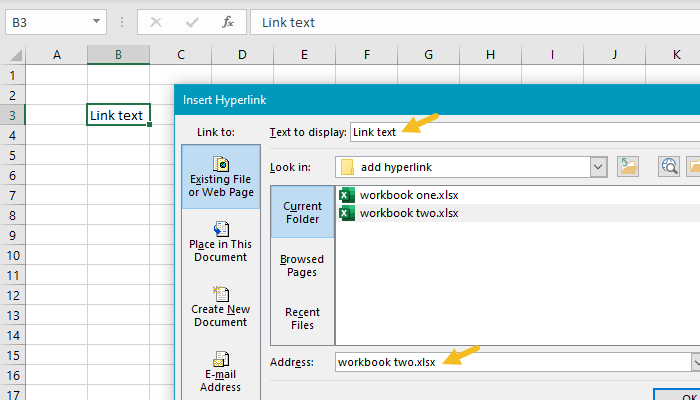
This shortcut adds a hyperlink to the currently selected cell. When the shortcut is performed, Excel will display the Add Hyperlink dialog box shown below:
Note: the HYPERLINK function can be used to create a link with a formula.
