About This Shortcut
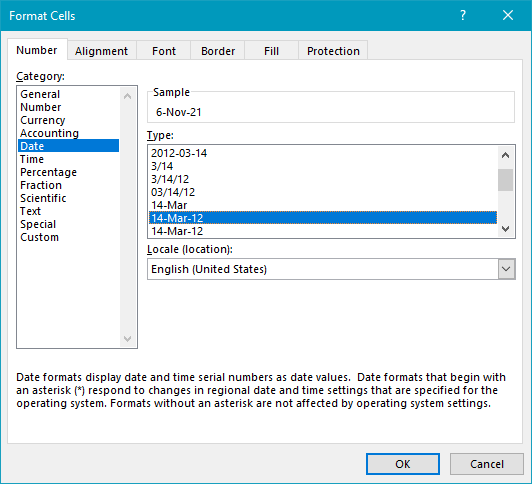
This shortcut is a gateway to many formatting options, even when the ribbon is collapsed. When regular cells are selected, it displays the Format Cells dialog box with the “last tab used” selected. This is a very fast way to access font controls, borders and fills, alignment options, and number formats from anywhere in Excel.
When you’re working with a chart, the same shortcut will open various formatting dialogs, depending on what you have selected. For example, if you have the chart area selected, it will open the Format Chart Area dialog. If you have data bars selected, it will open the Format Data Series dialog, and so on. You can also use this shortcut when working with shapes and smart art.
About This Shortcut
Displays the Format Cells dialog box with the Font tab selected, no matter which tab was used last.
